Developer portal
The portal is the developer-facing dashboard UI (port 3007). It upstreams to
lattice-console (CONSOLE_BASE_URL=3004) for the developer/game registry and to
lattice-analytics (ANALYTICS_BASE_URL=3006) for metrics. This is where a developer
registers a game, manages its API key, controls cross-game visibility, watches analytics, and
reviews anti-cheat flags. The screenshots below are captured from the running portal.
Developer flow
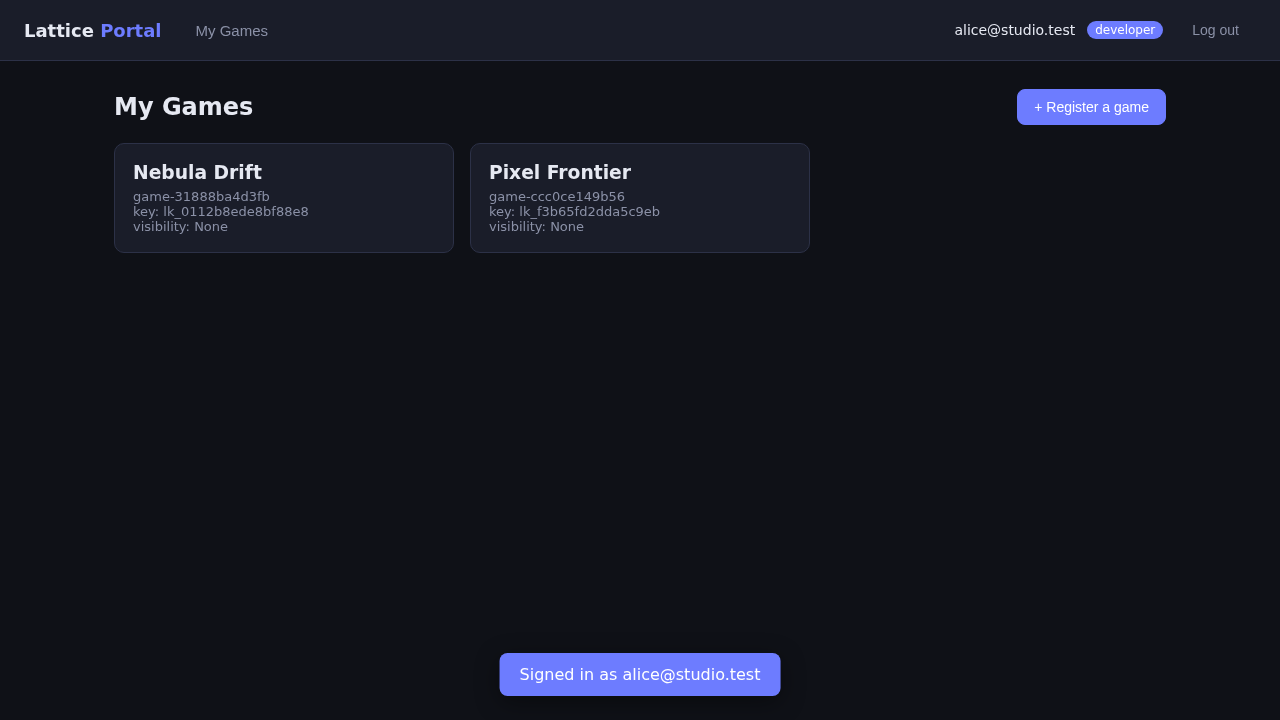
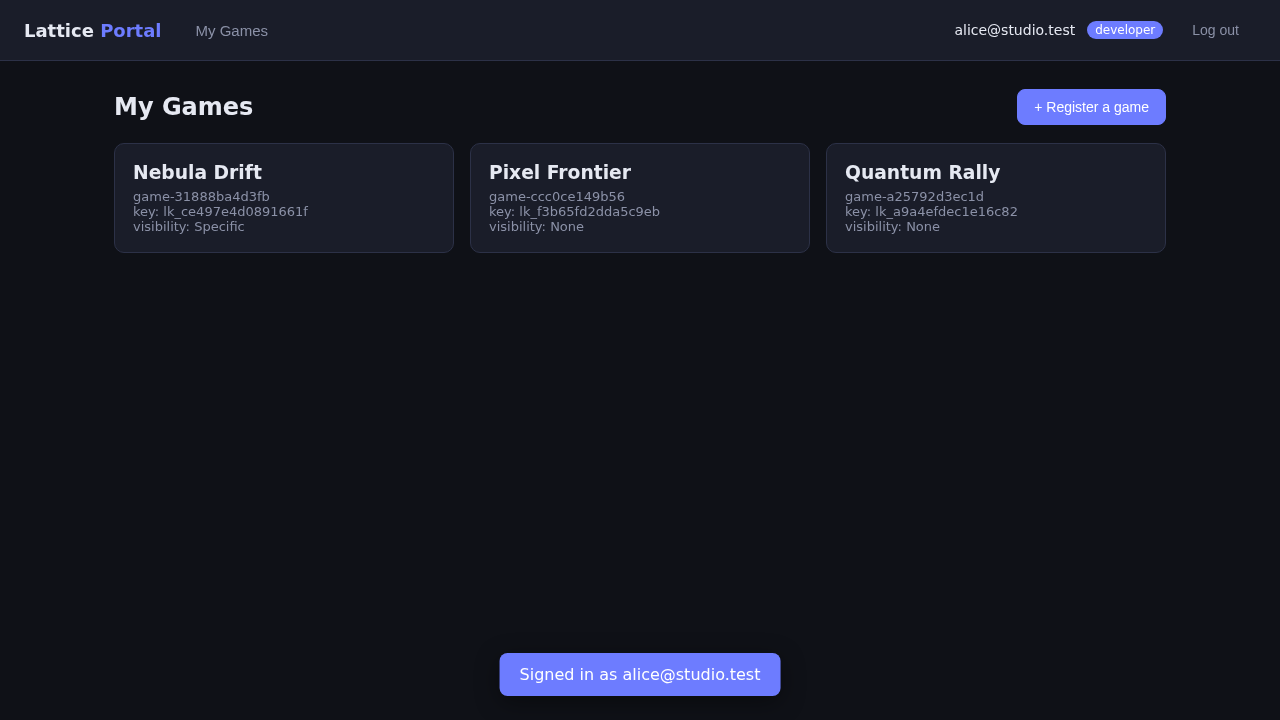
Dashboard
Your games, each with its public API key and quick links.
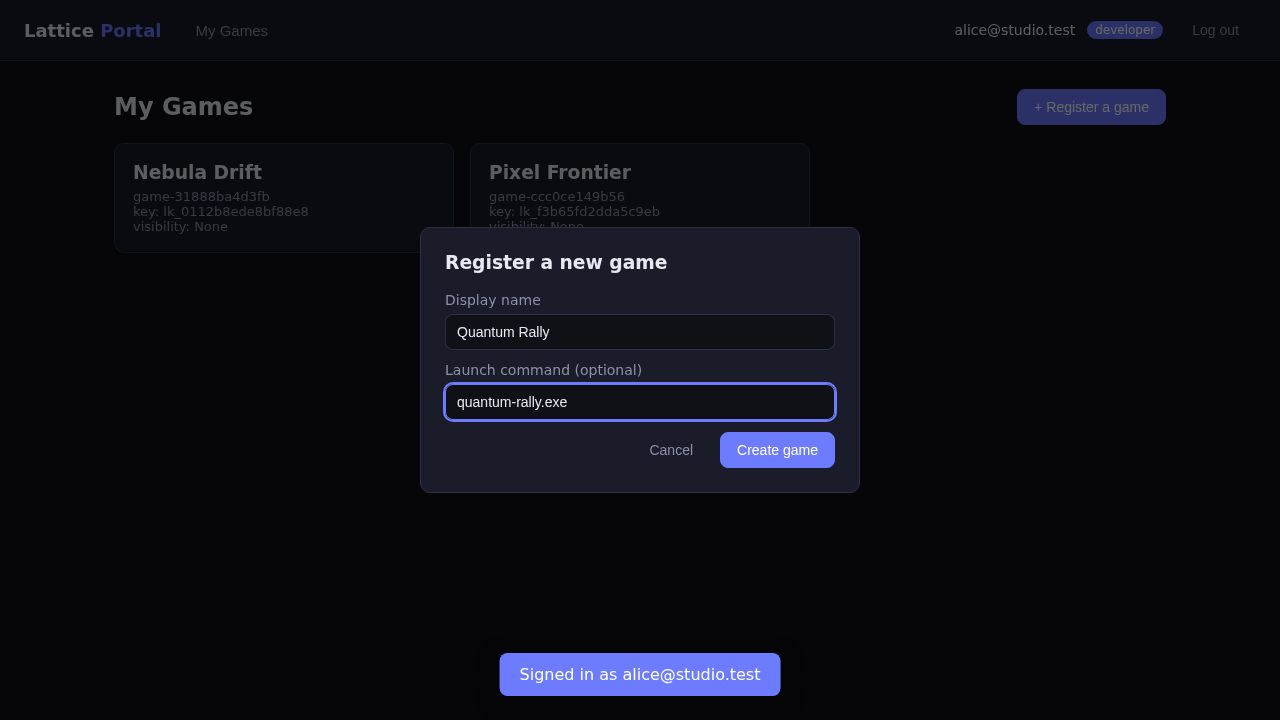
Register a game
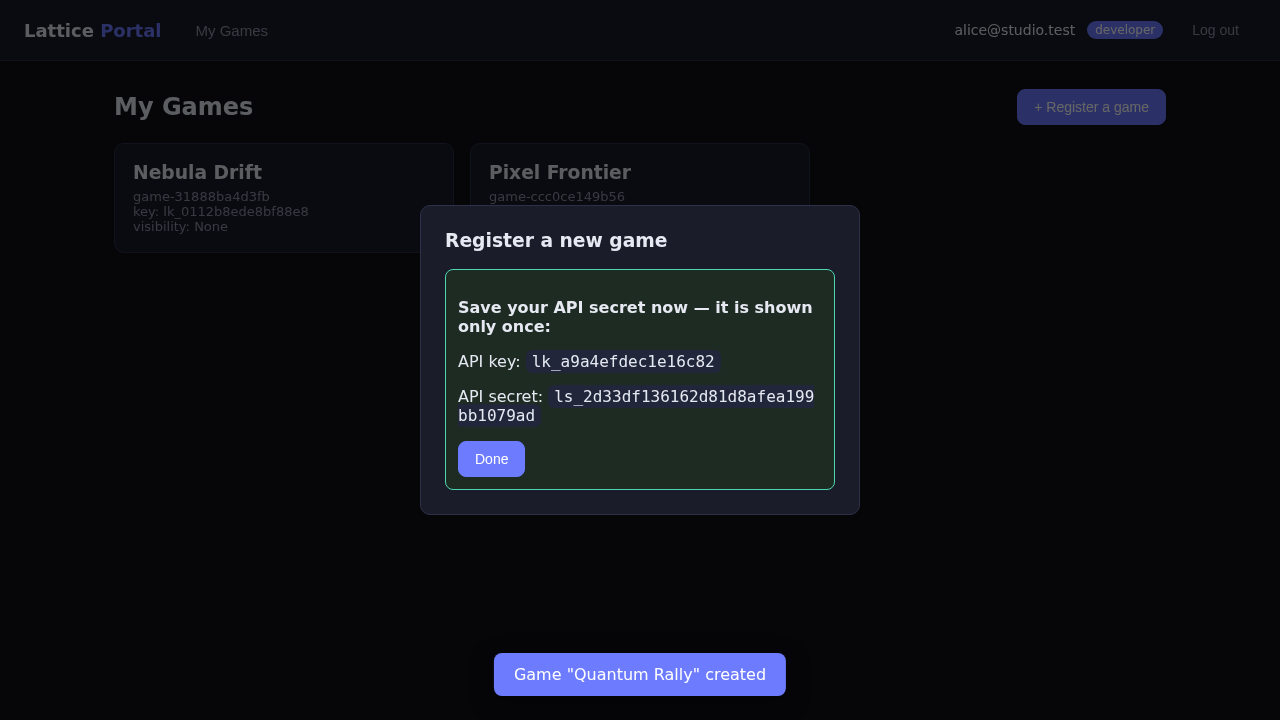
Create a game to obtain a gameId and an API key/secret pair.
The secret is revealed exactly once on creation — store it securely.
If a secret leaks, regenerate it (the old secret is invalidated immediately).
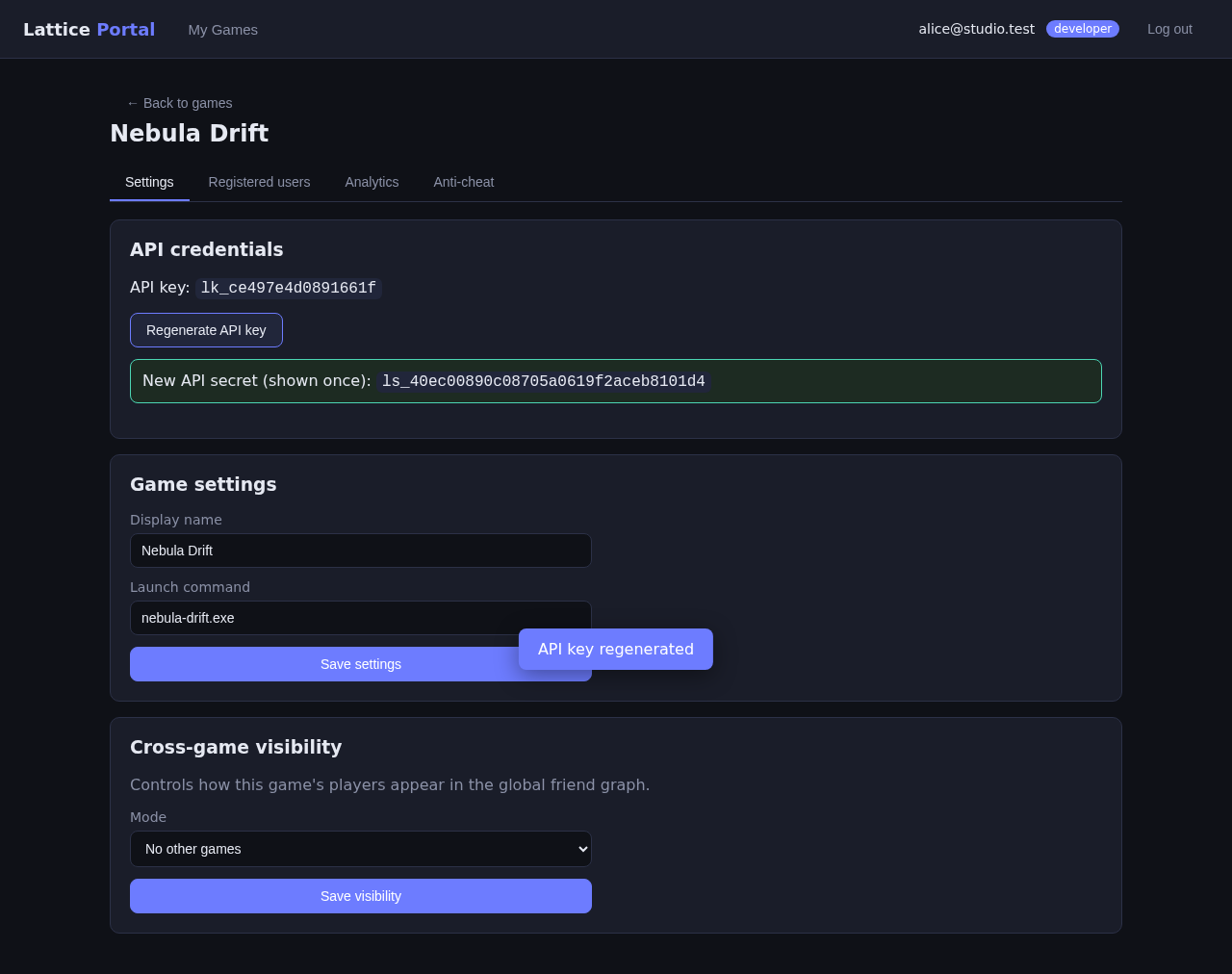
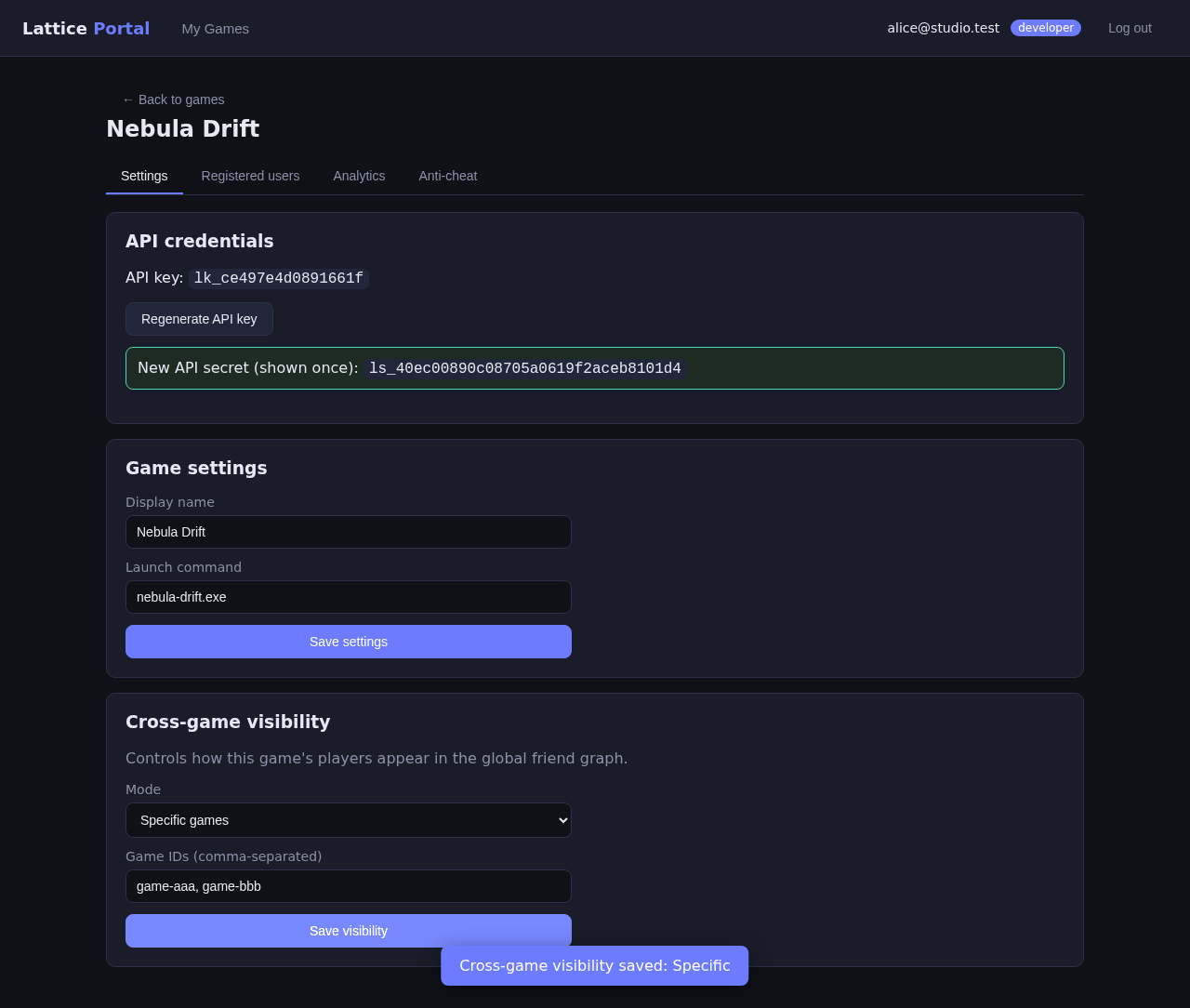
Cross-game visibility
Control whether your players' social graph is visible to / from other games — global, none, or a specific allow-list.
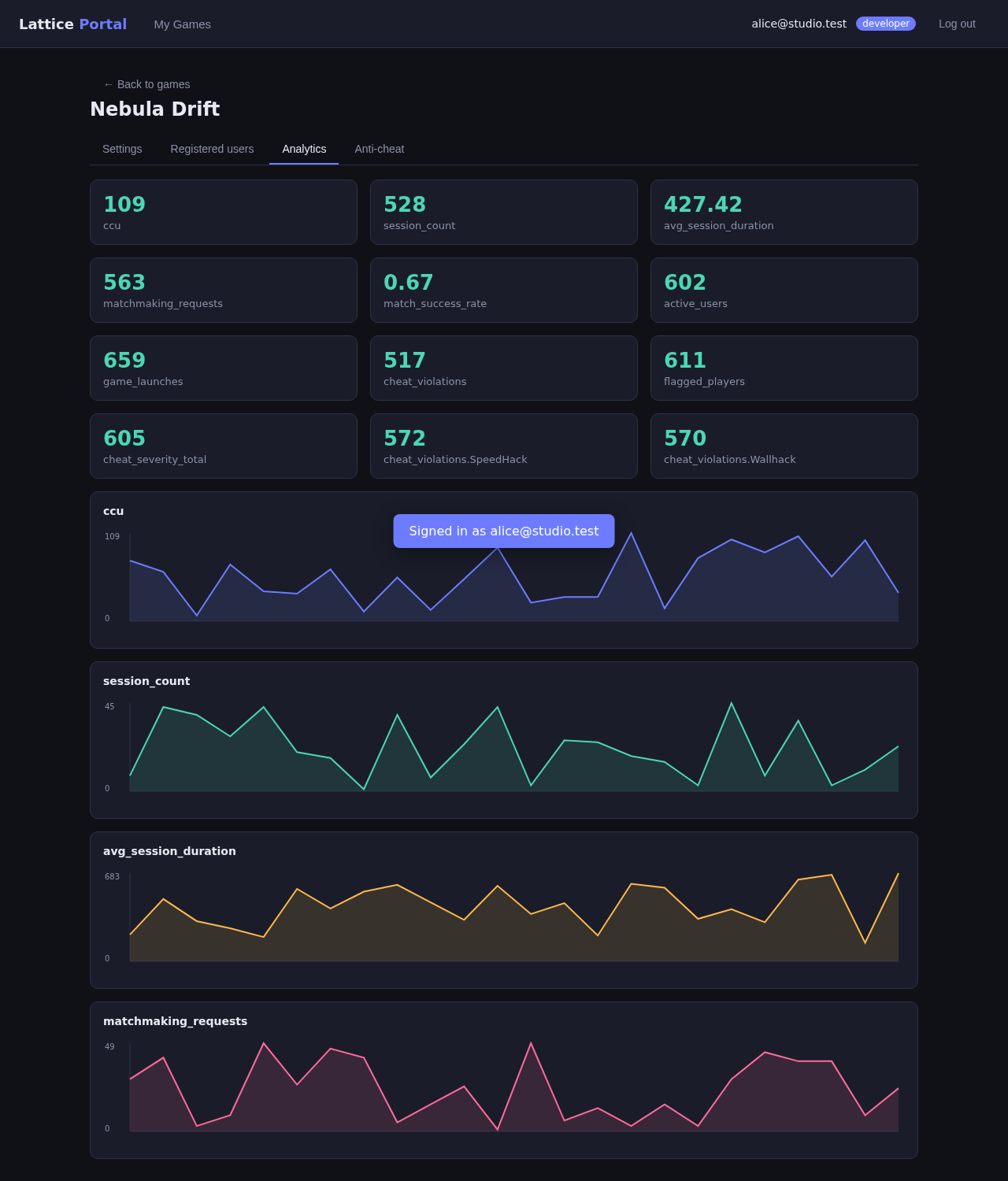
Analytics dashboard
Time-series for CCU, sessions, matchmaking, social, and cheat metrics — RBAC-scoped to your games.
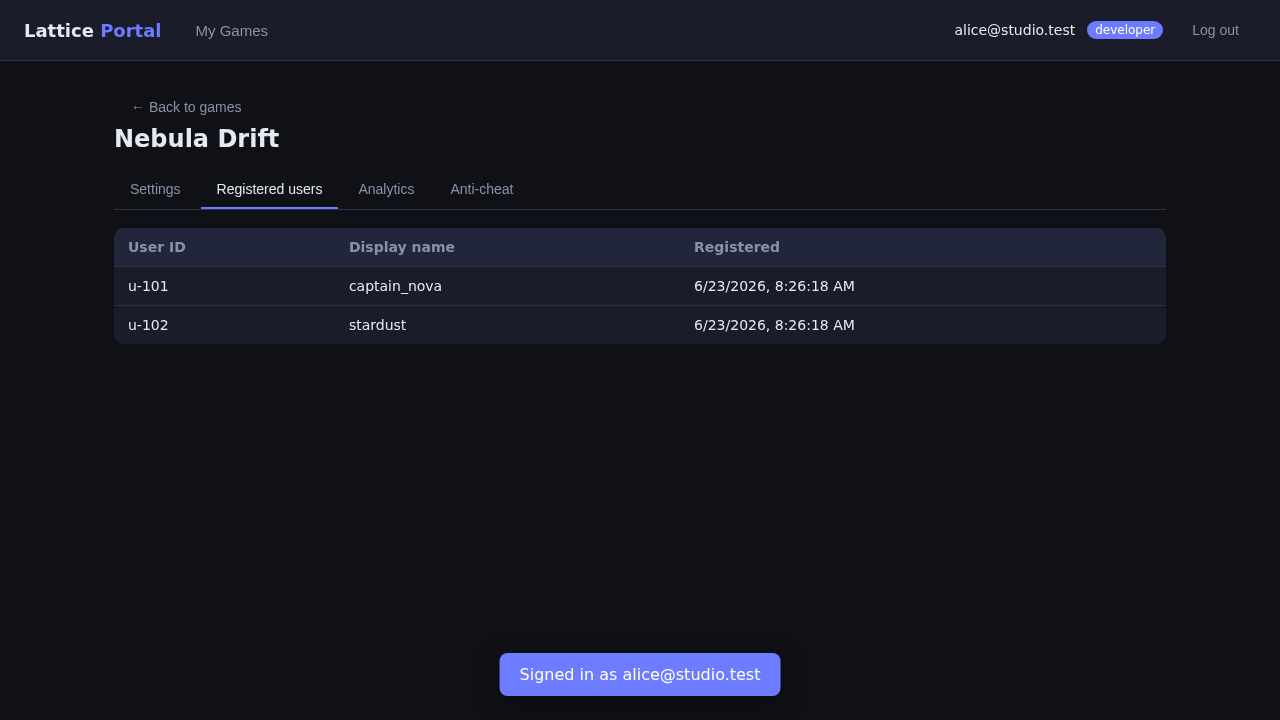
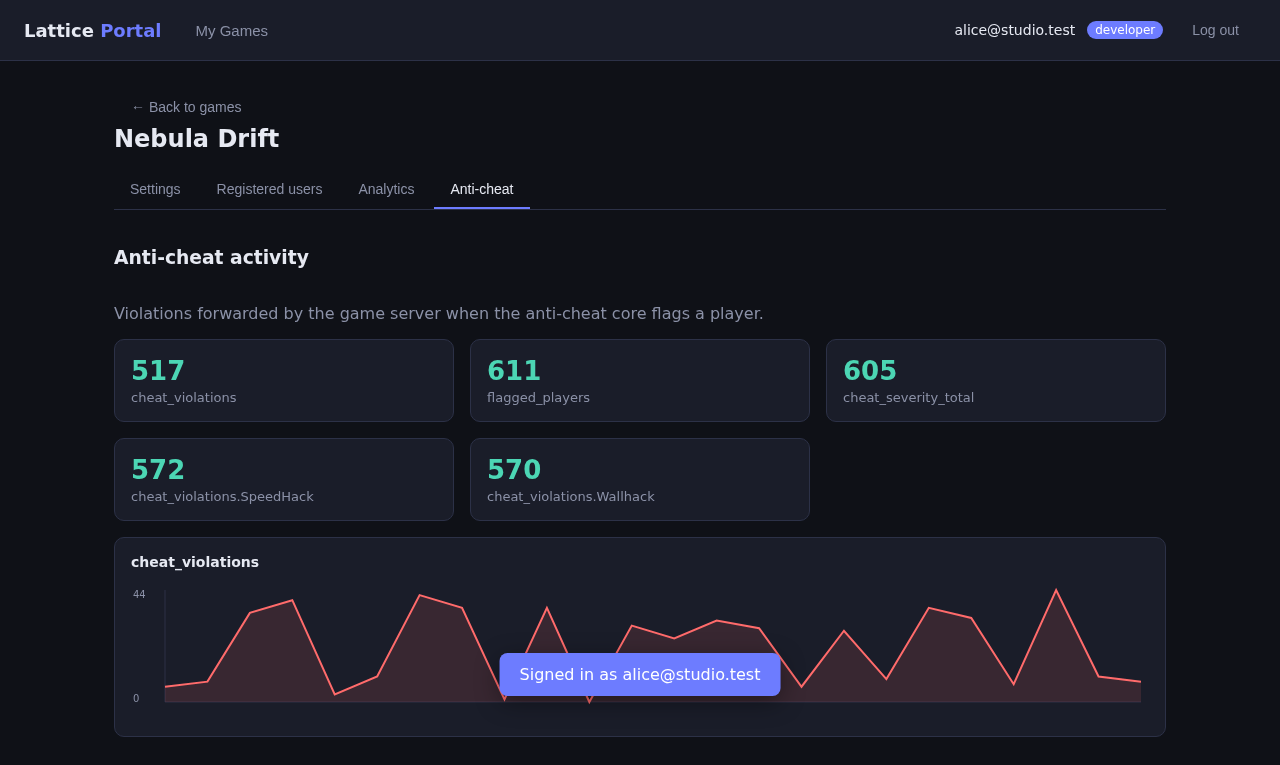
Registered users & anti-cheat
The users registered to your game, and the anti-cheat panel showing flagged players (fed by the
on_violation scores your servers report).
Super-admin flow
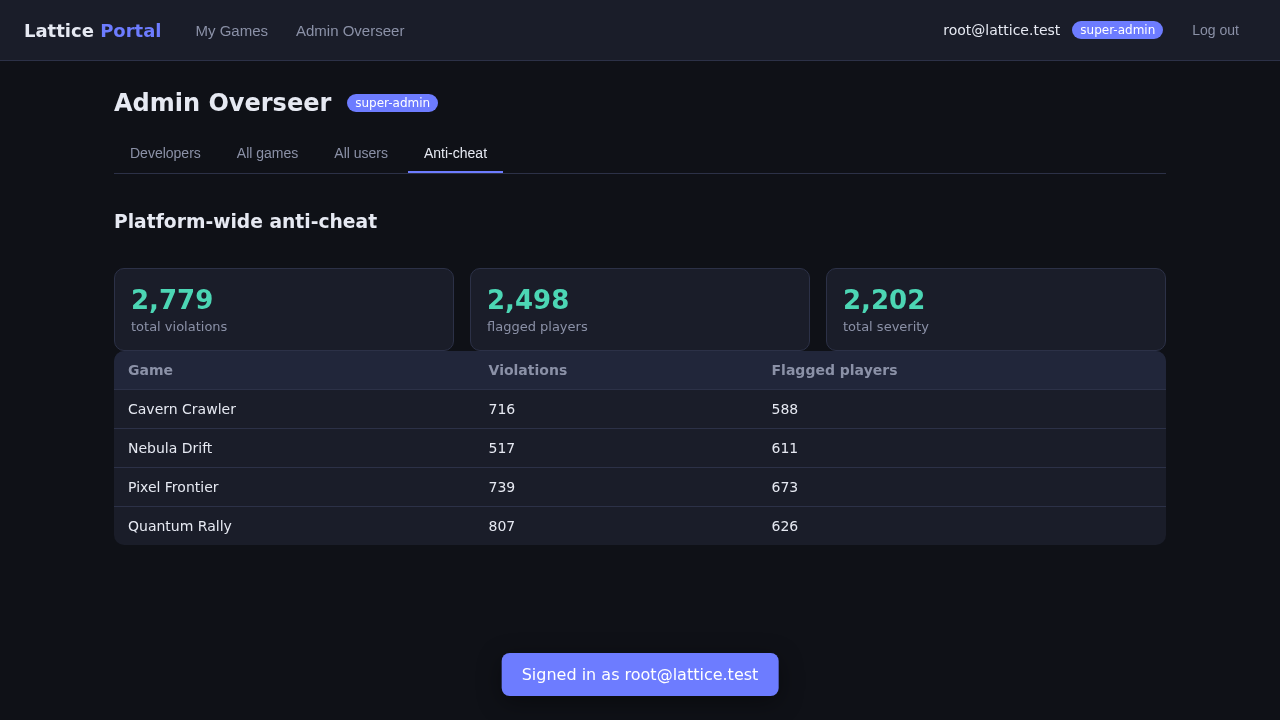
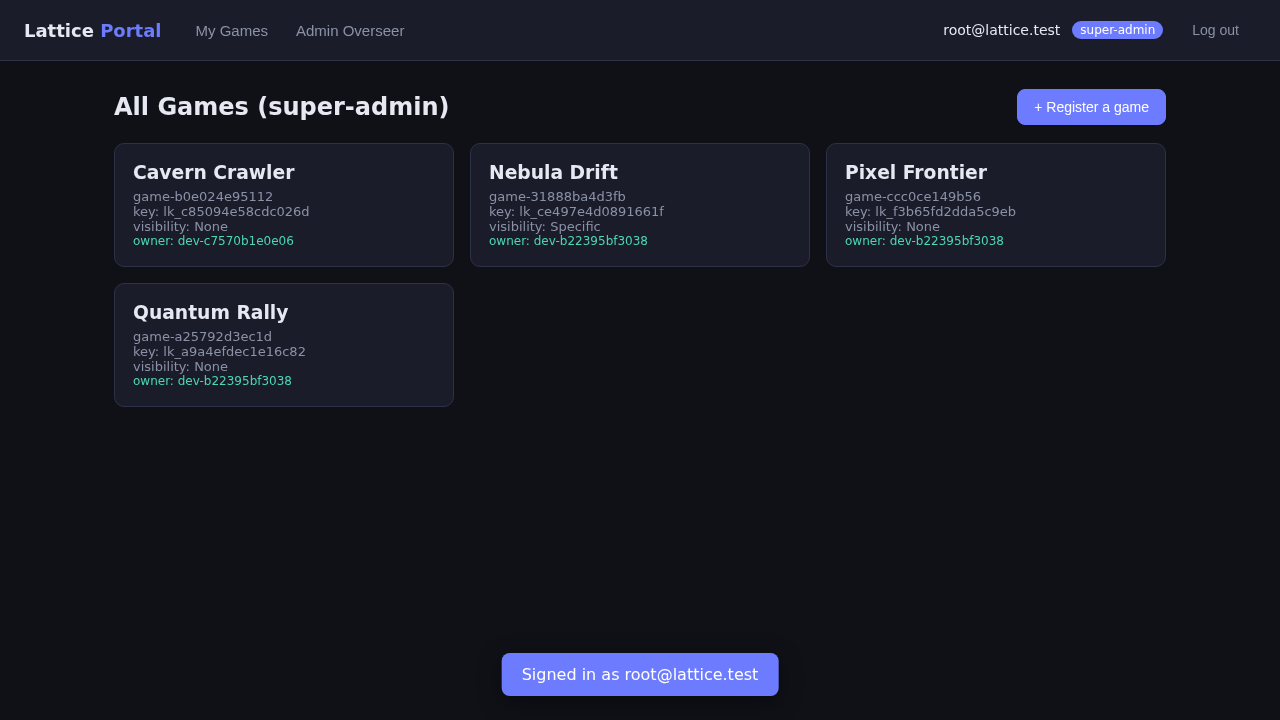
A platform super-admin sees every game, every developer, and every user across the platform.
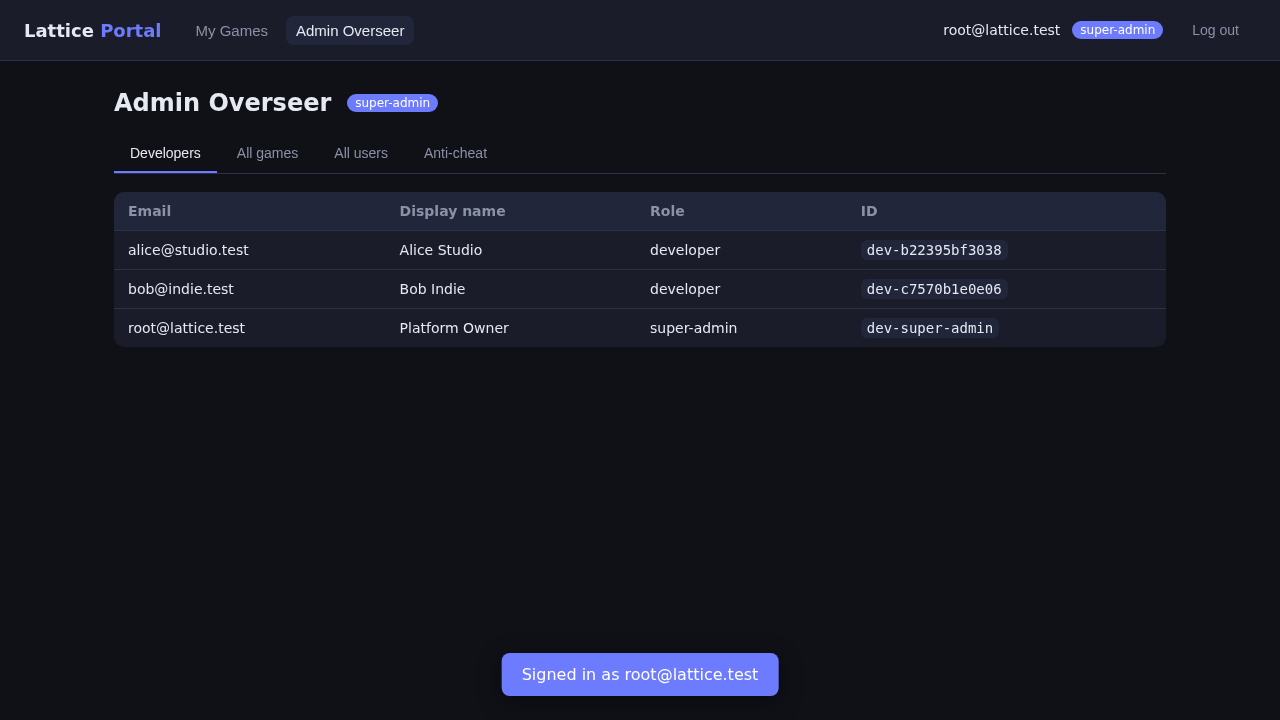
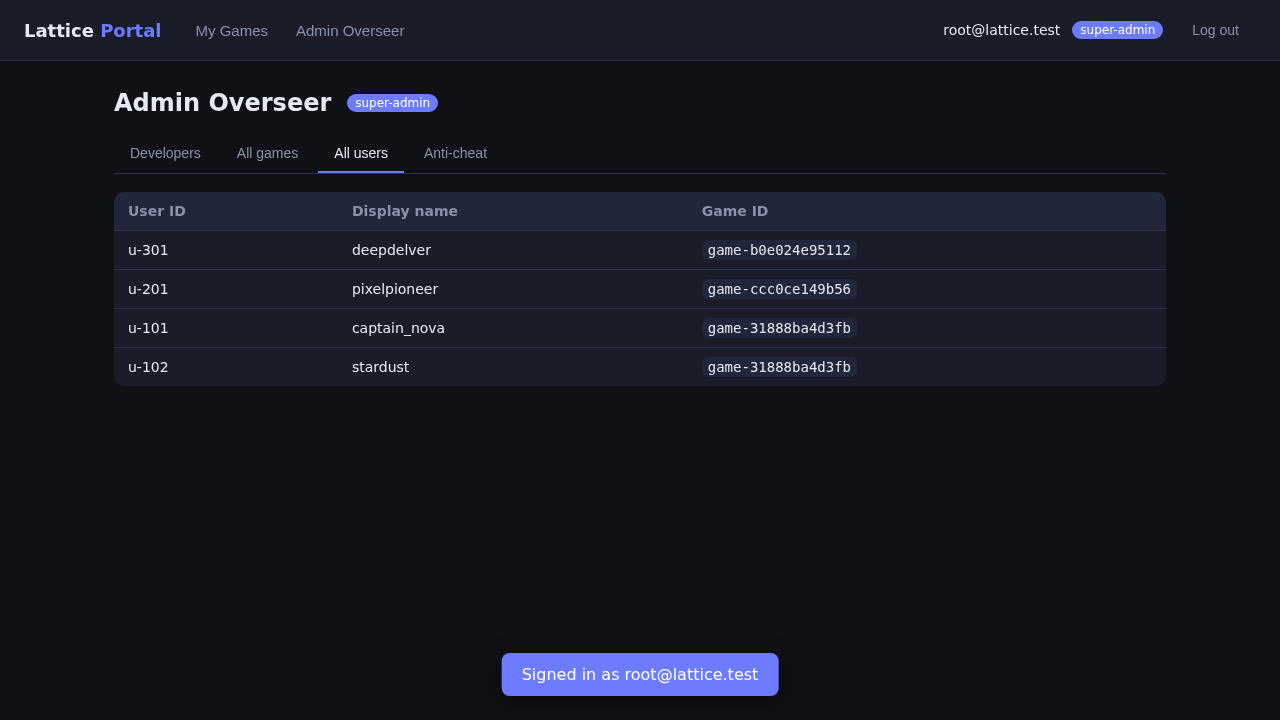
RBAC is enforced in the UI as well as the API — a plain developer has no admin link.
The platform-wide cheat panel aggregates flagged players across all games.